Payments and balances
Record money paid to suppliers or received from customers against open AR/AP charges. On-credit sales invoices create customer balances automatically.
-
Step 1
Open Payments
Trading → Payments lists posted payments. Each payment can split across multiple open charges using allocations.
Screenshots show the English workspace UI.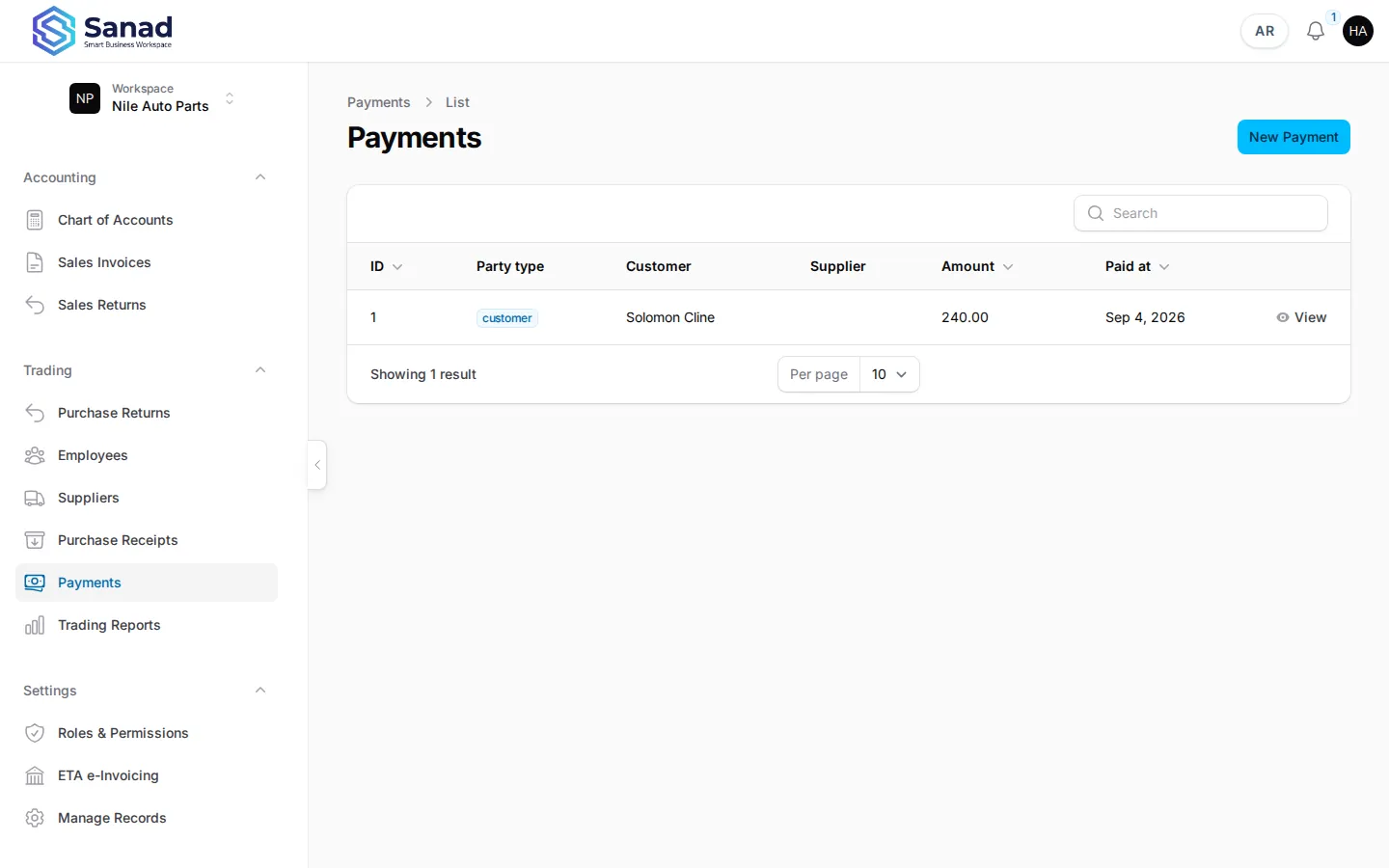
-
Step 2
Record a payment
Choose party type (supplier or customer), party, amount, method, and paid date. Add allocation rows pointing at open ledger entry IDs and amounts. Save once — no edit afterward.
Screenshots show the English workspace UI.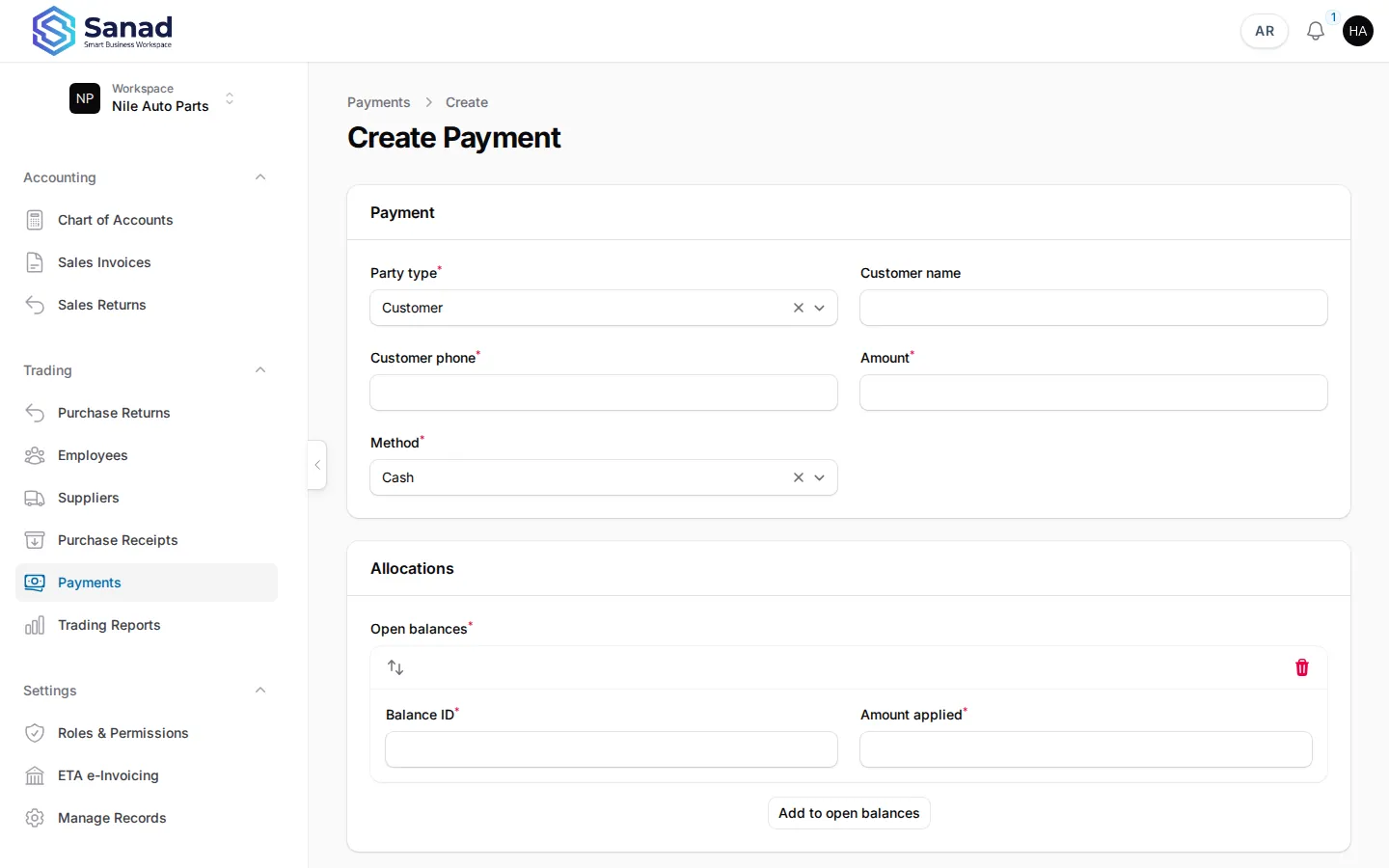
-
Step 3
Overdue reminders
When a charge passes its due date and stays open, the workspace owner gets one database notification. Paying the charge before the daily job runs prevents the reminder.
Screenshots show the English workspace UI.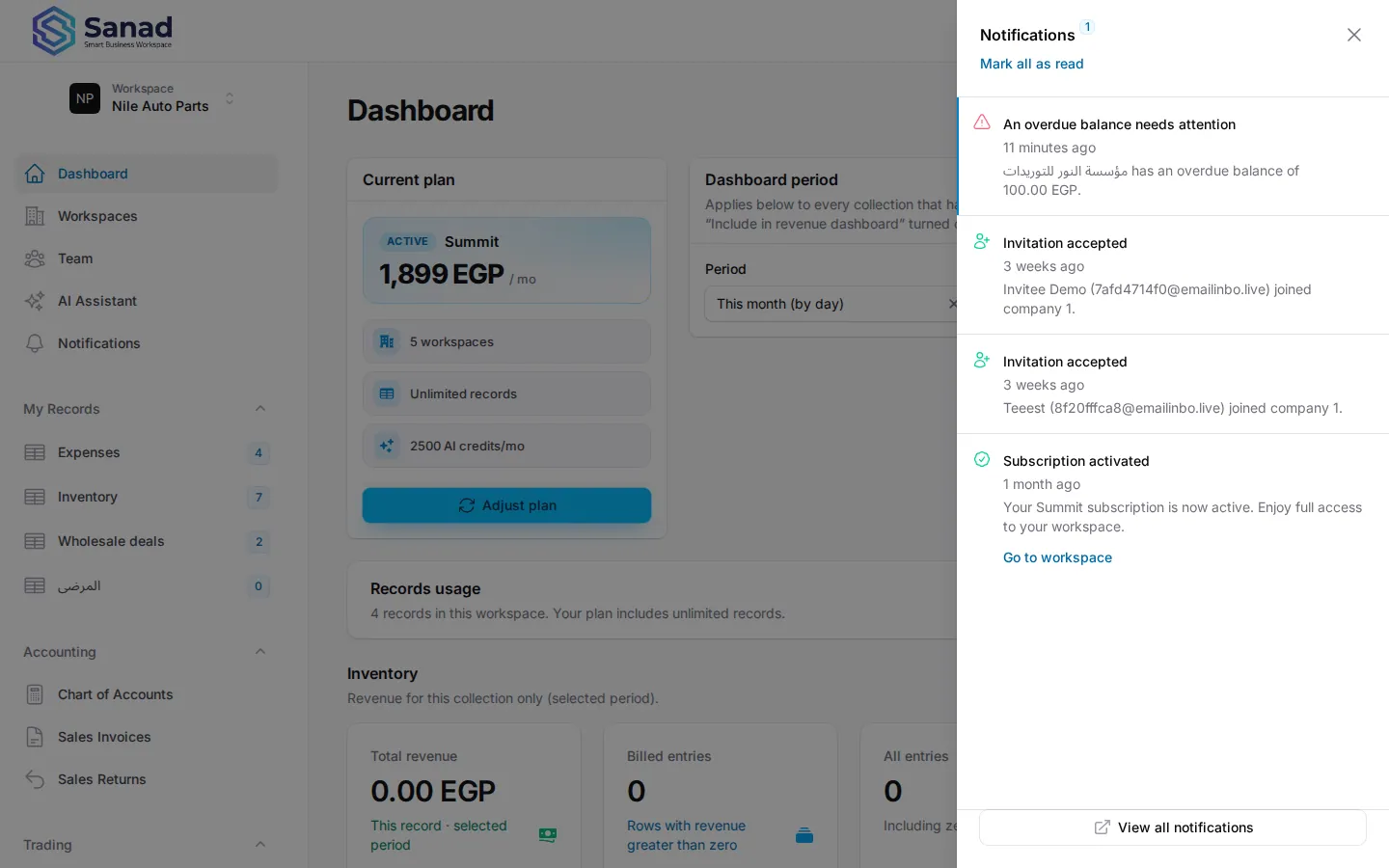
Related articles
Sales invoices
Create, print, correct, and optionally send Egyptian-pound invoices, with per-line discounts, an internal Number (INV-…) and a separate ETA number (ETA-…), plus local and ETA statuses.
Purchase receipts
Record stock received from a supplier. Stock and supplier balance (AP) update together when you save.
Trading reports
Purchases net, payments in the period, and stock on hand — using the same period selector as the home dashboard.