Trading reports
Purchases net, payments in the period, and stock on hand — using the same period selector as the home dashboard.
-
Step 1
Open Trading Reports
Trading → Trading Reports. Pick Today, This week, This month, or This year — same options as Dashboard period.
Screenshots show the English workspace UI.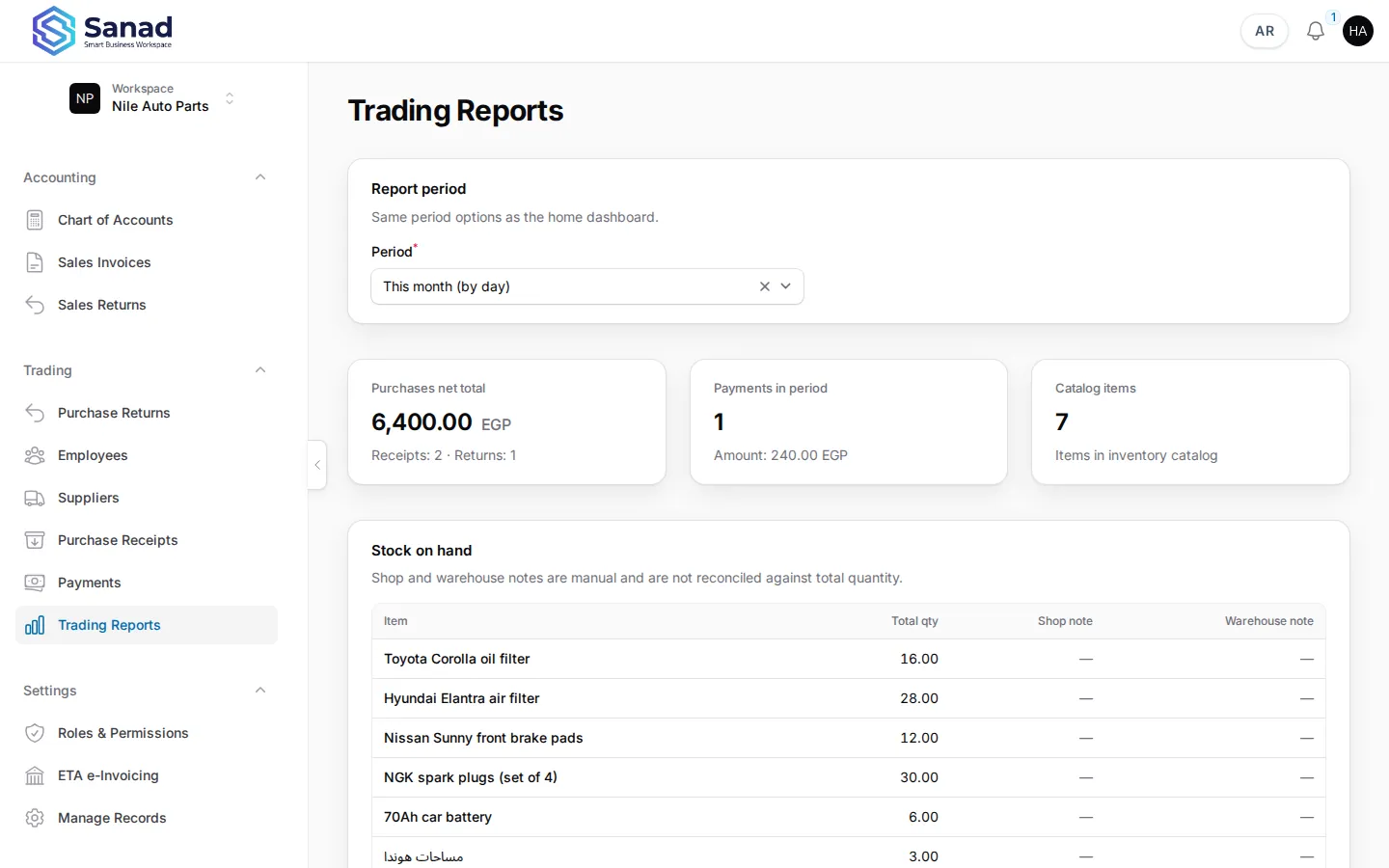
-
Step 2
Purchases and payments cards
Purchases net total excludes opening-balance receipts and the system supplier. Payments counts rows paid in the selected period.
Screenshots show the English workspace UI.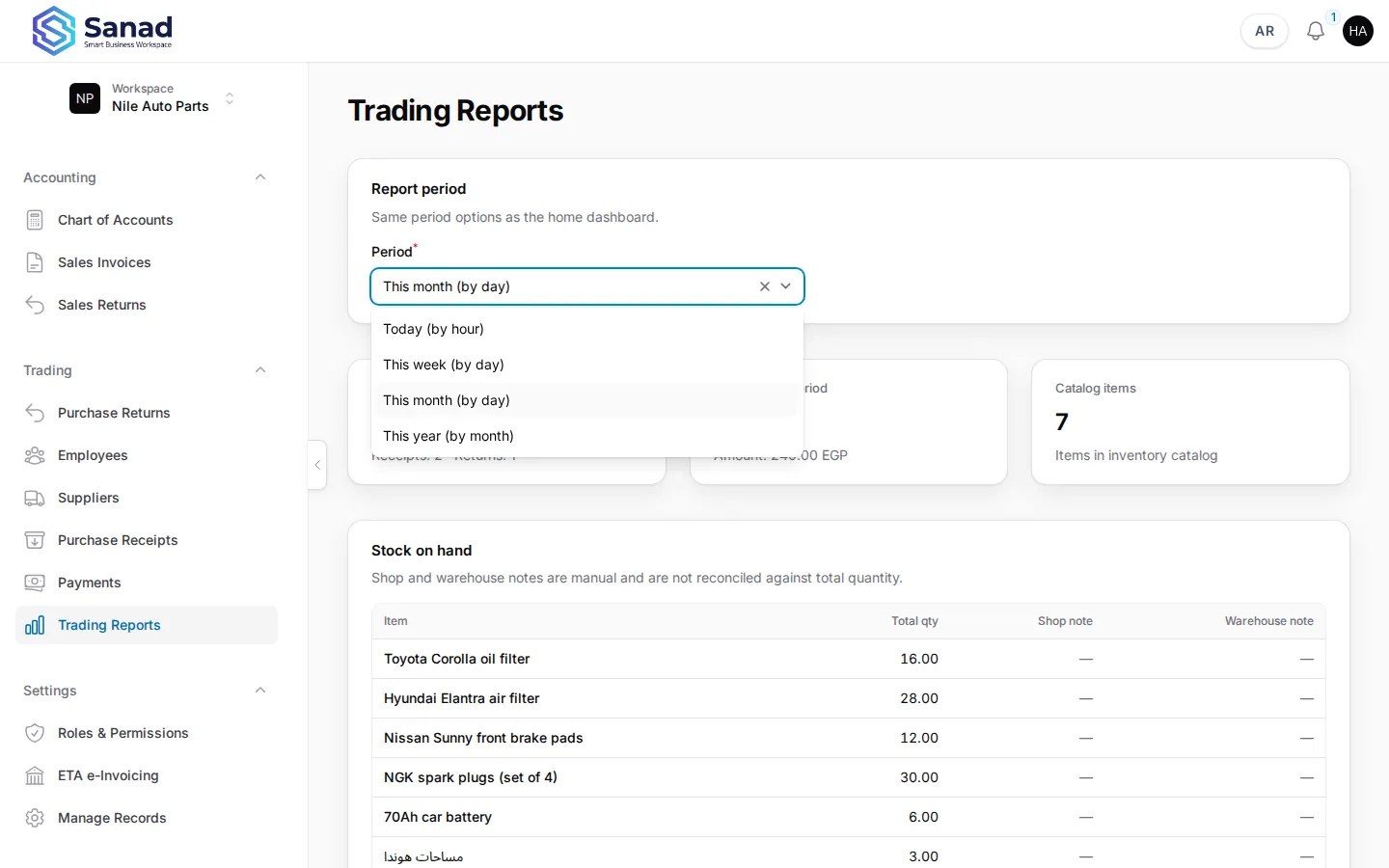
-
Step 3
Stock on hand table
Shows item name and total quantity from the inventory stock role only.
Screenshots show the English workspace UI.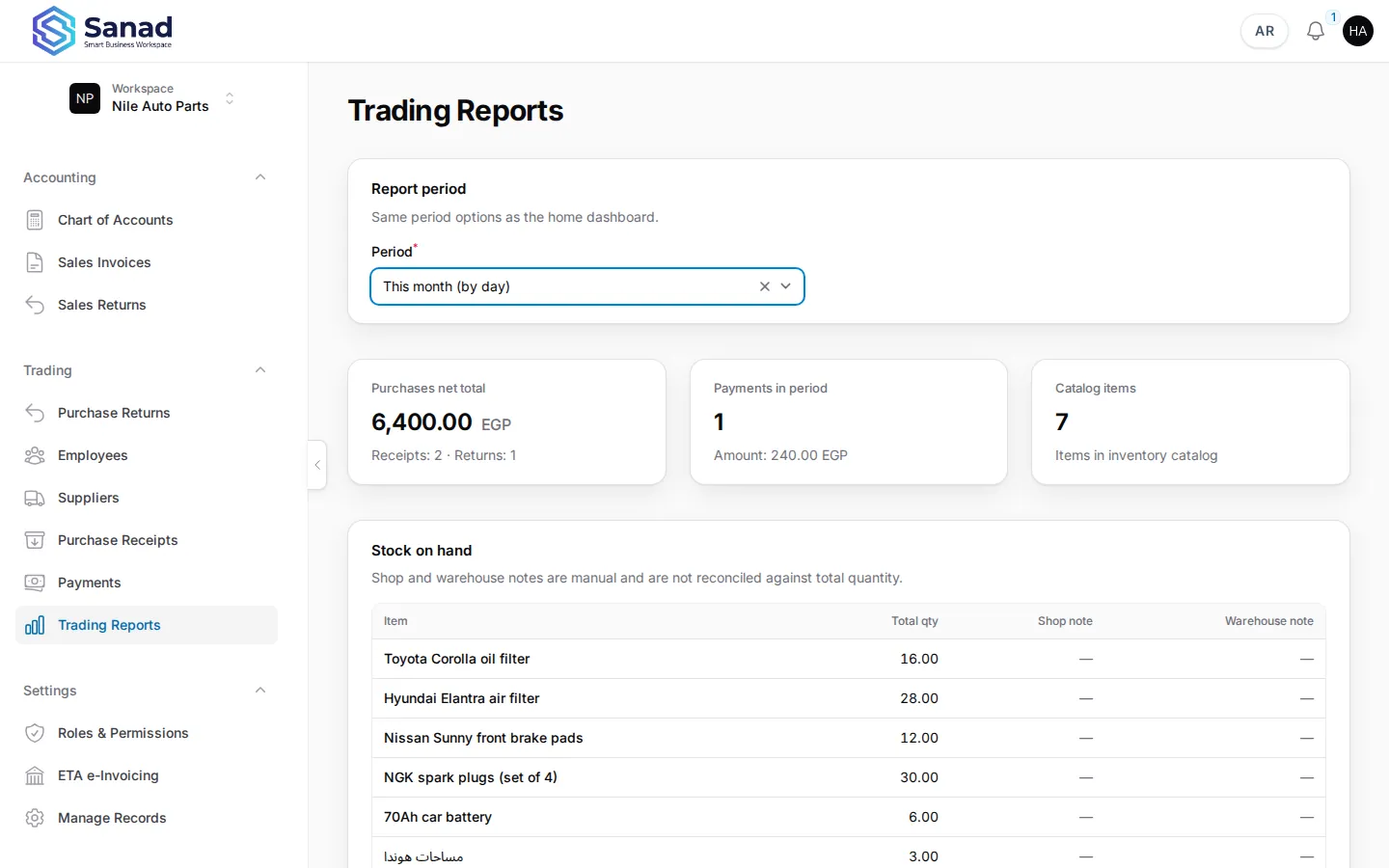
Related articles
Purchase receipts
Record stock received from a supplier. Stock and supplier balance (AP) update together when you save.
Payments and balances
Record money paid to suppliers or received from customers against open AR/AP charges. On-credit sales invoices create customer balances automatically.
Home dashboard and revenue
See KPIs, charts, and plan usage on home for lists with Include in revenue dashboard turned on.