Purchase returns and exchange
Return goods to a supplier or run an exchange (return + replacement receipt) from one original receipt.
-
Step 1
Create a purchase return
Trading → Purchase Returns → Create. Select the original receipt, enter return quantities per line (cannot exceed remaining returnable qty), and a reason.
Screenshots show the English workspace UI.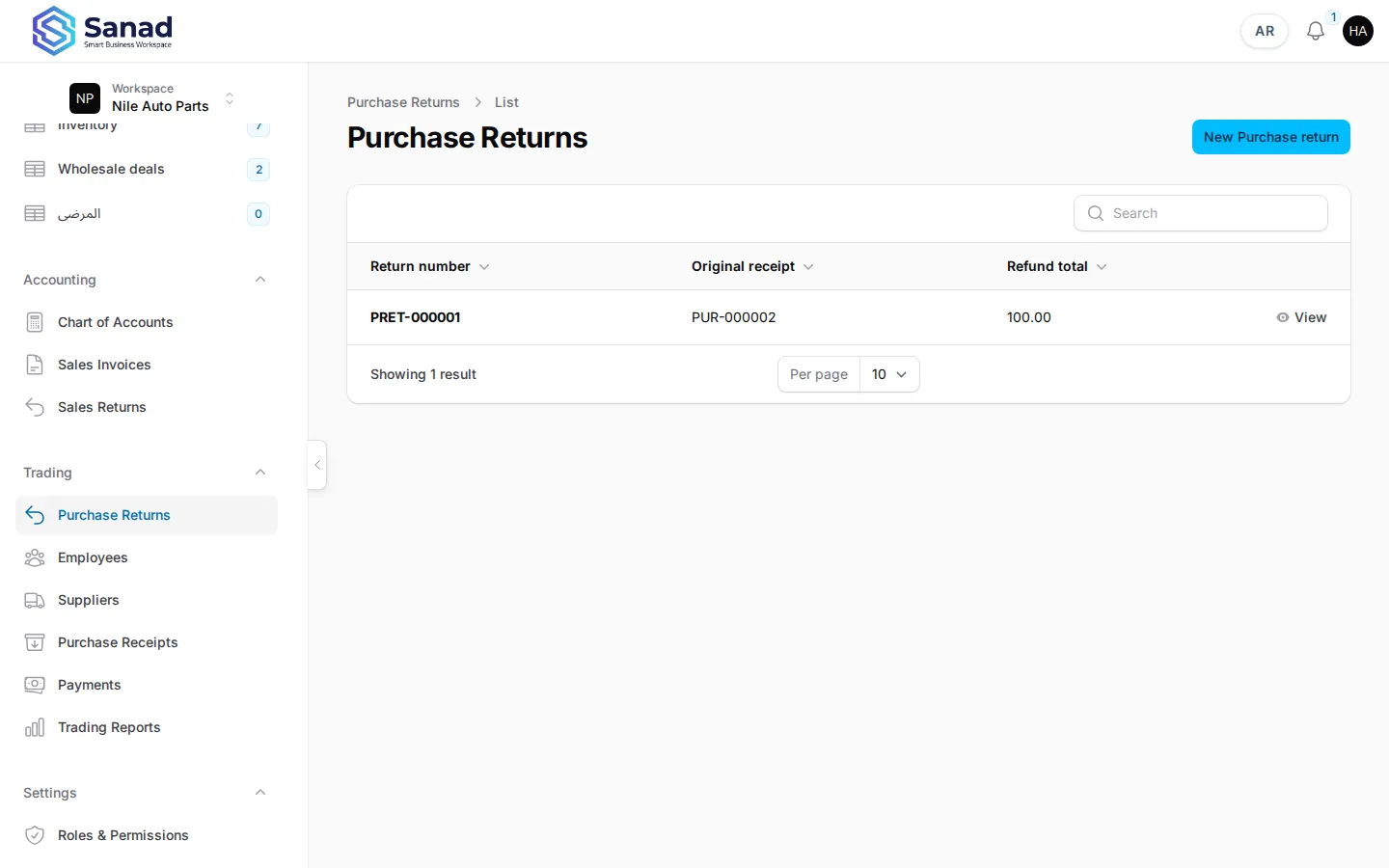
-
Step 2
What happens on save
Stock decreases, supplier AP is credited by the return total, and the receipt line tracks returned quantity for future returns.
Screenshots show the English workspace UI.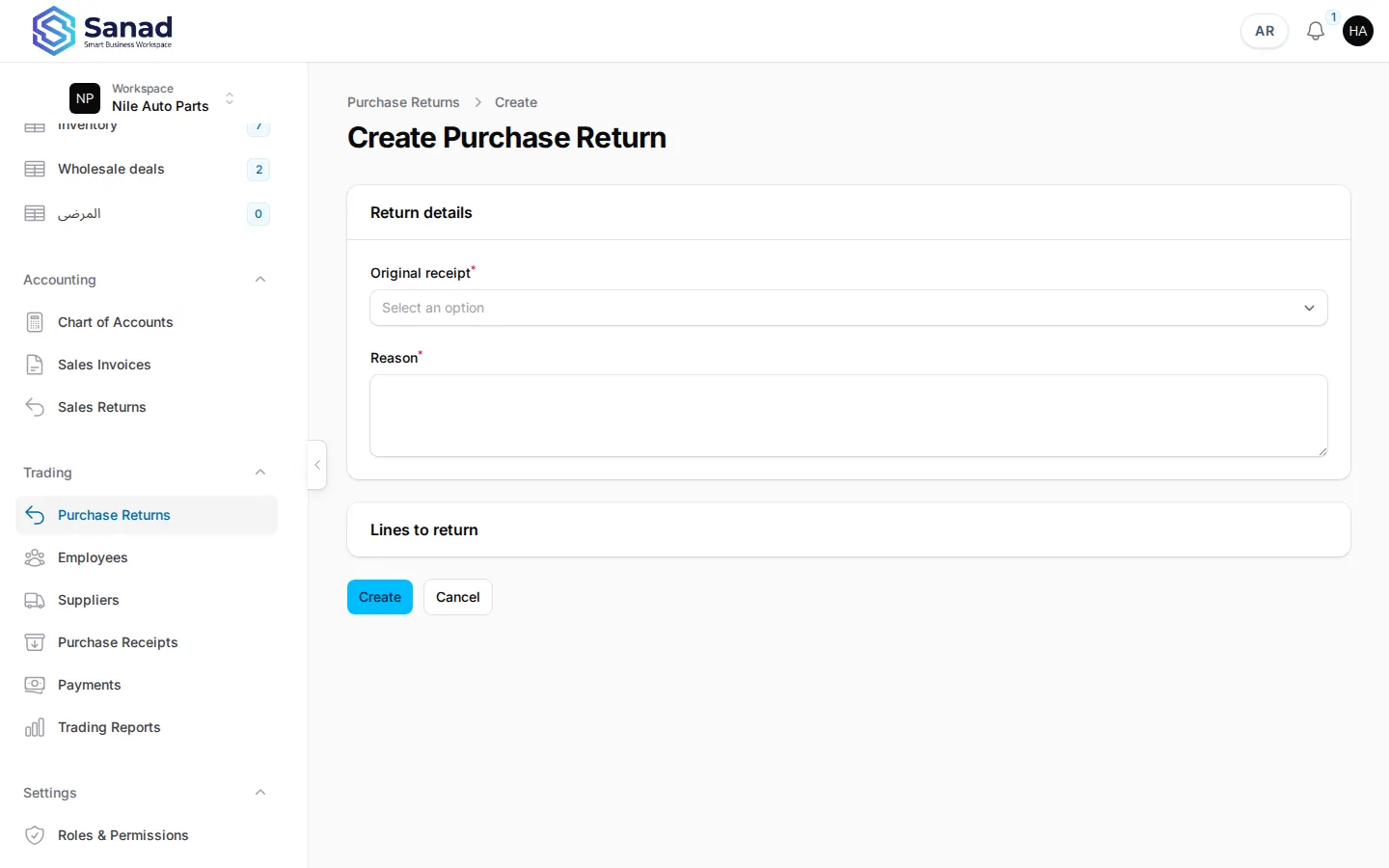
-
Step 3
Record an exchange
On View return, use Record exchange: specify return lines and replacement receipt lines (item, qty, unit cost). Both documents link to each other automatically.
Screenshots show the English workspace UI.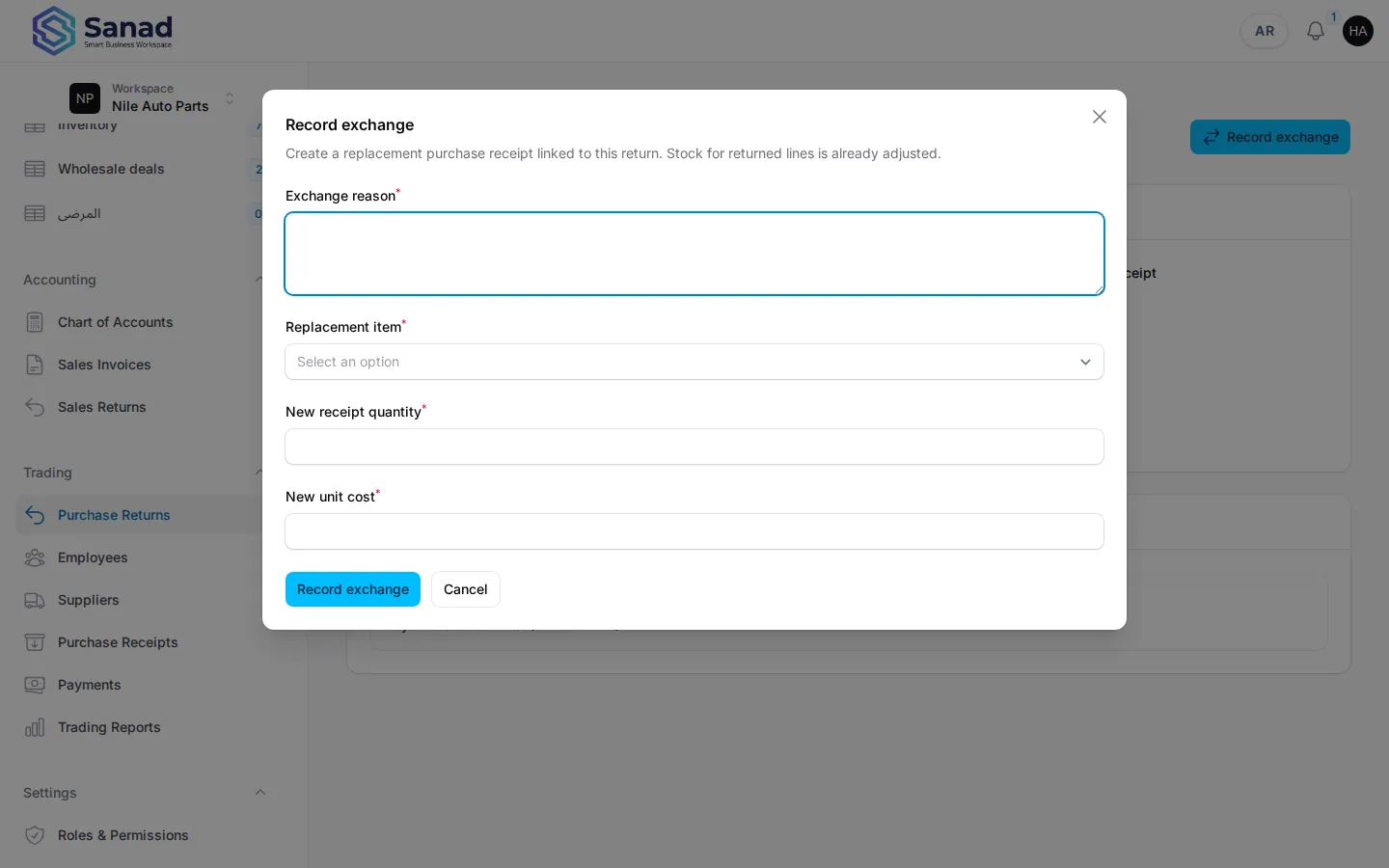
Related articles
Purchase receipts
Record stock received from a supplier. Stock and supplier balance (AP) update together when you save.
Payments and balances
Record money paid to suppliers or received from customers against open AR/AP charges. On-credit sales invoices create customer balances automatically.
Inventory records on invoices and ETA
Turn a product list into invoice lines that print locally and submit to the Egyptian Tax Authority.