Opening balances (one-time)
Set starting stock and supplier/customer balances before day-to-day trading. The wizard locks after the first real receipt or posted invoice.
-
Step 1
Open Opening Balance
Trading → Opening Balance appears only while setup is allowed. If it vanished, you already have trading activity — opening balances cannot be re-run.
Screenshots show the English workspace UI.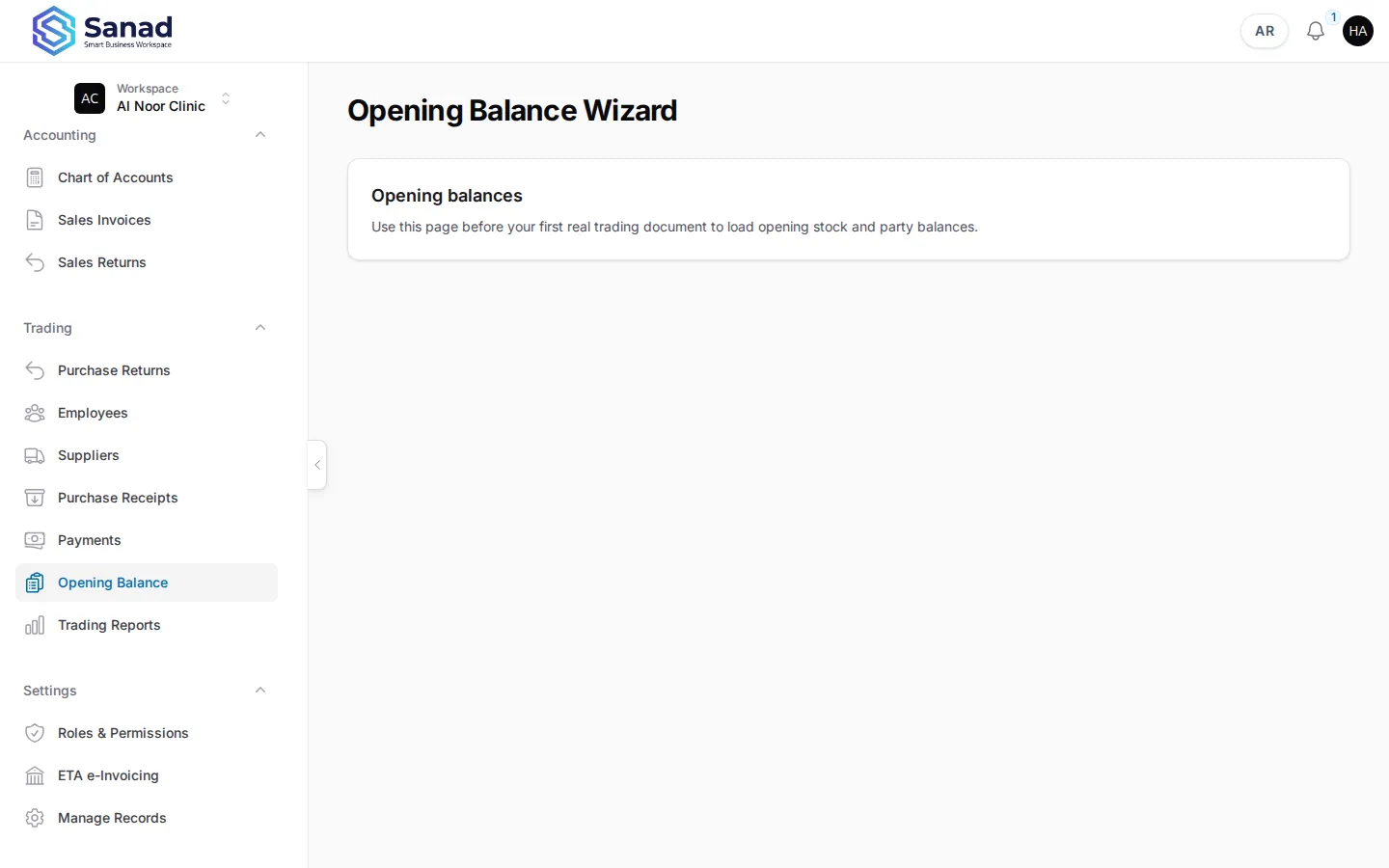
-
Step 2
Enter opening stock
For each inventory item, enter quantity and optional unit cost. This posts stock without a normal purchase receipt.
Screenshots show the English workspace UI.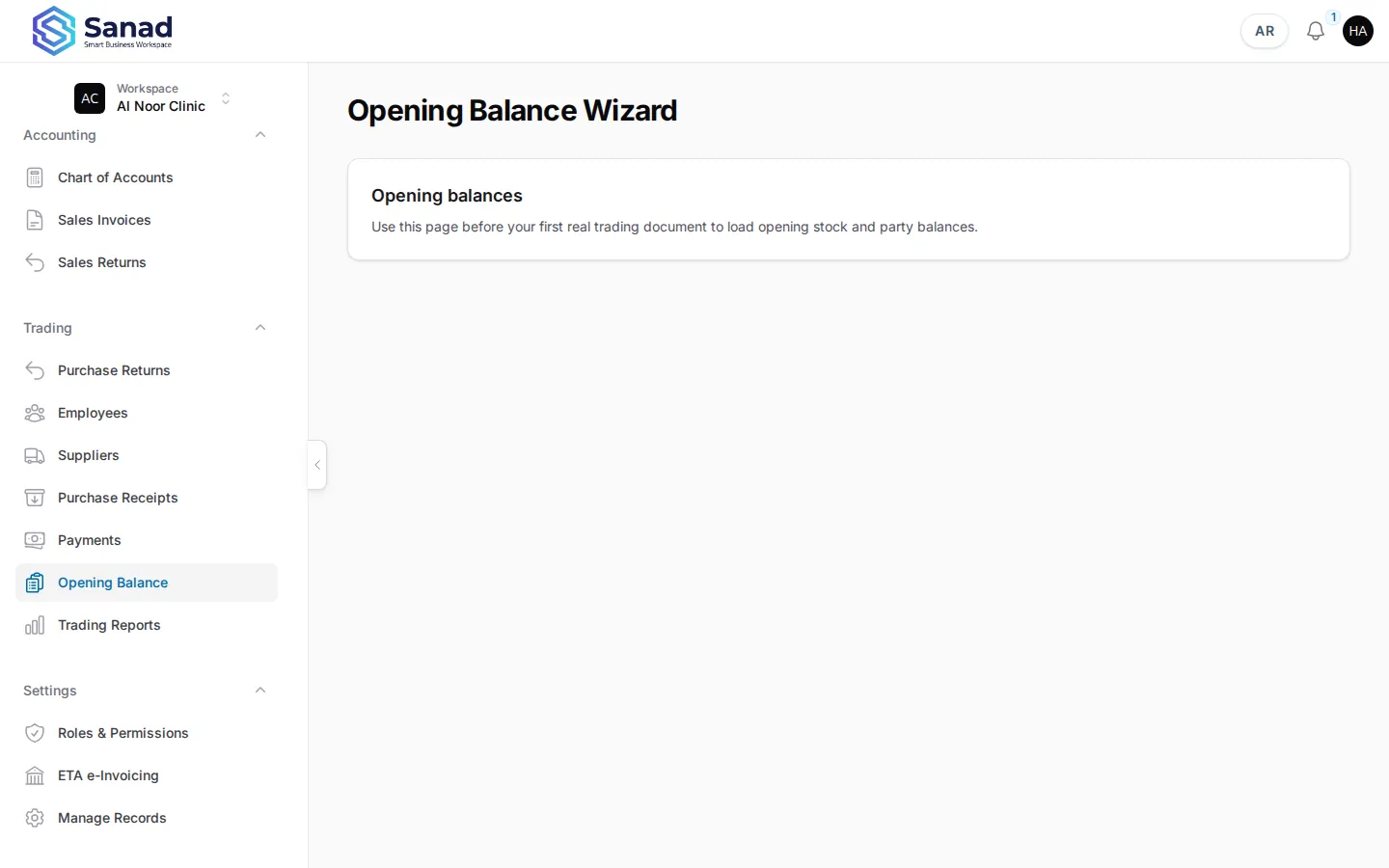
-
Step 3
Enter party balances
Enter supplier AP and customer AR opening amounts. A hidden system supplier handles opening AP — it never appears in supplier pickers.
Screenshots show the English workspace UI.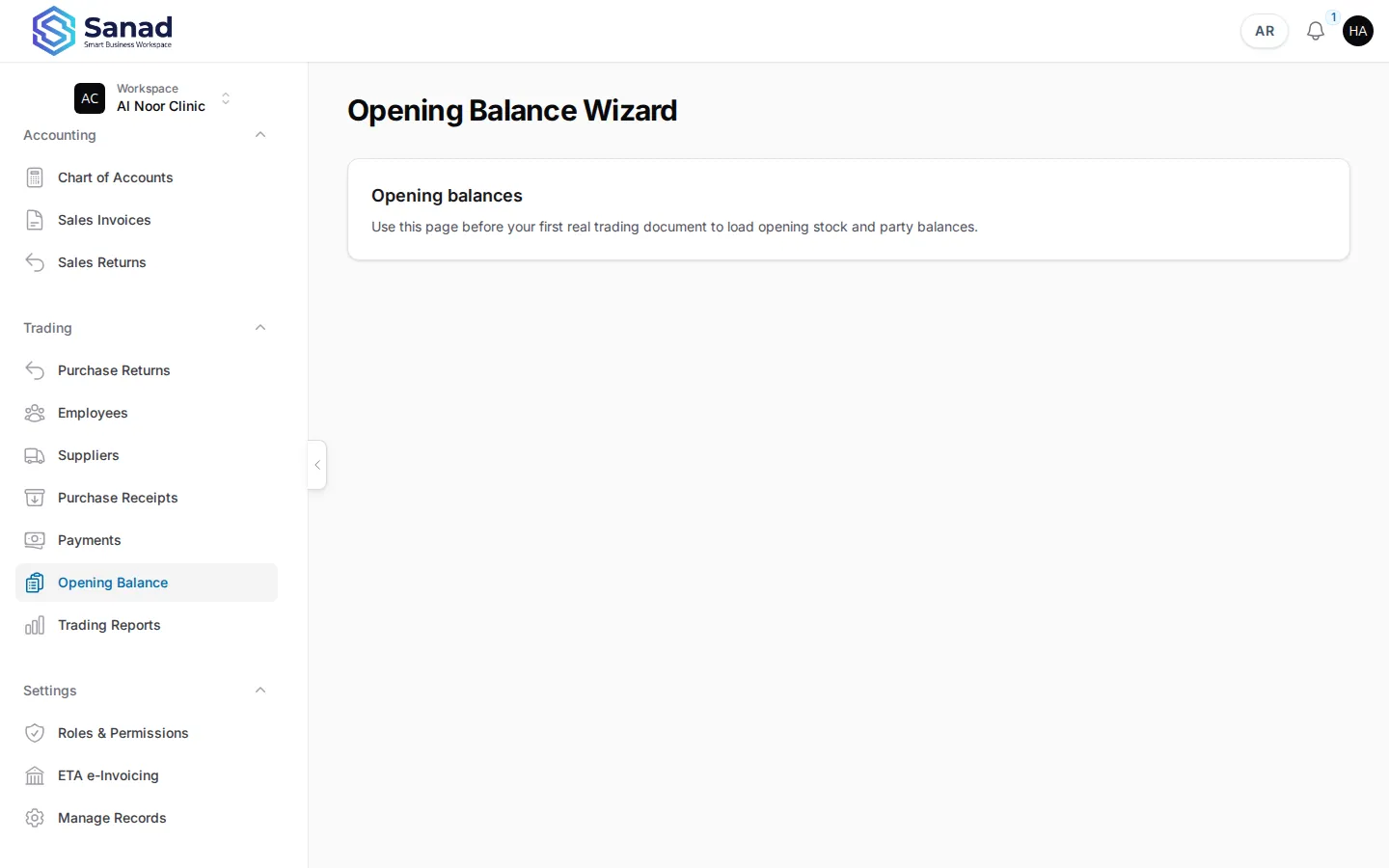
Related articles
Purchase receipts
Record stock received from a supplier. Stock and supplier balance (AP) update together when you save.
Payments and balances
Record money paid to suppliers or received from customers against open AR/AP charges. On-credit sales invoices create customer balances automatically.
Trading Pack overview
Summit workspaces get suppliers, purchase receipts, returns, AR/AP balances, payments, opening balances, and trading reports. Cash sales stay simple; credit sales post to the customer balance.